Describe it once.Get a video worth watching.
Describe a topic, upload your documents, or give a website address and say what to show. The AI writes the script, records the voice, designs or records every scene, and hands you a captioned MP4.
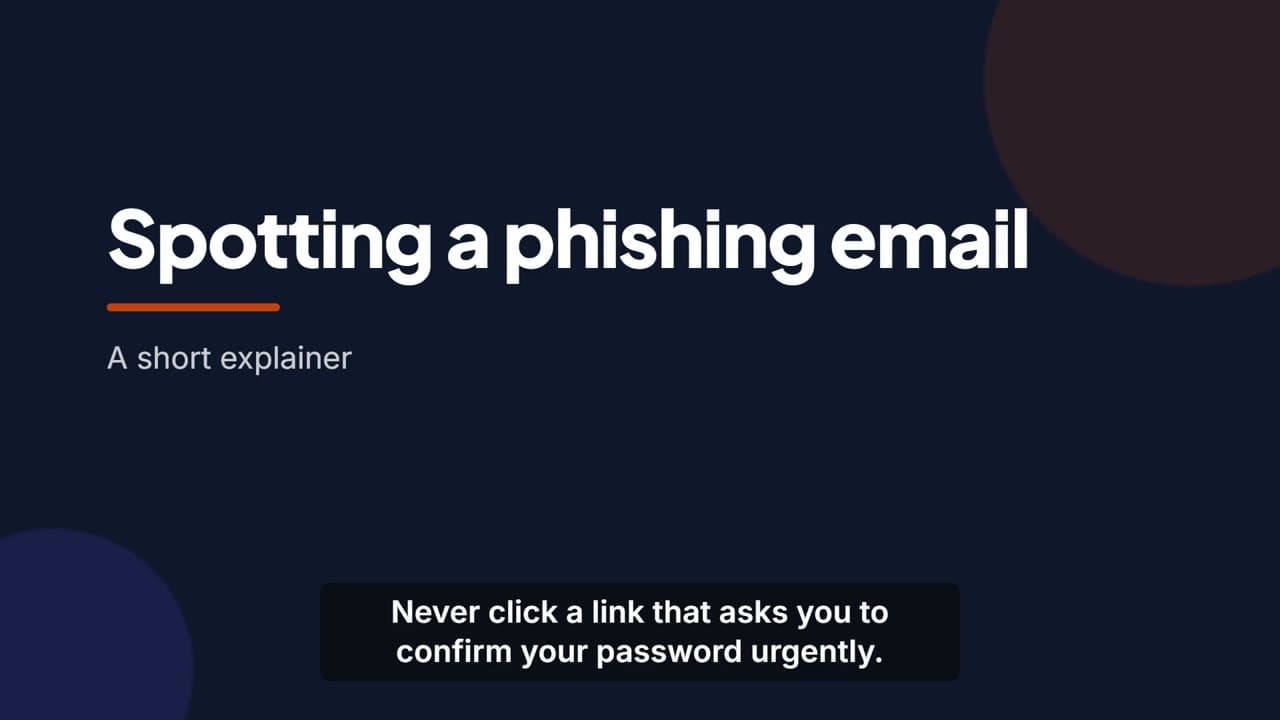
Explain an idea. Or show how it is done.
One studio, two ways to make a video. Both are narrated, captioned and split into chapters, and both can be changed afterwards by asking.
Animated explainers from a topic or a document
Describe the topic, or upload the PDF, Word file, slide deck or text it should follow. The AI writes the script scene by scene, records the voice, and designs each scene as animated motion graphics in your colours, with your logo.
- Each scene designed on its own — titles, lists, processes, comparisons, timelines
- Every scene checked for how it looks before it is rendered
- Captions timed from the recorded voice
- 0:04
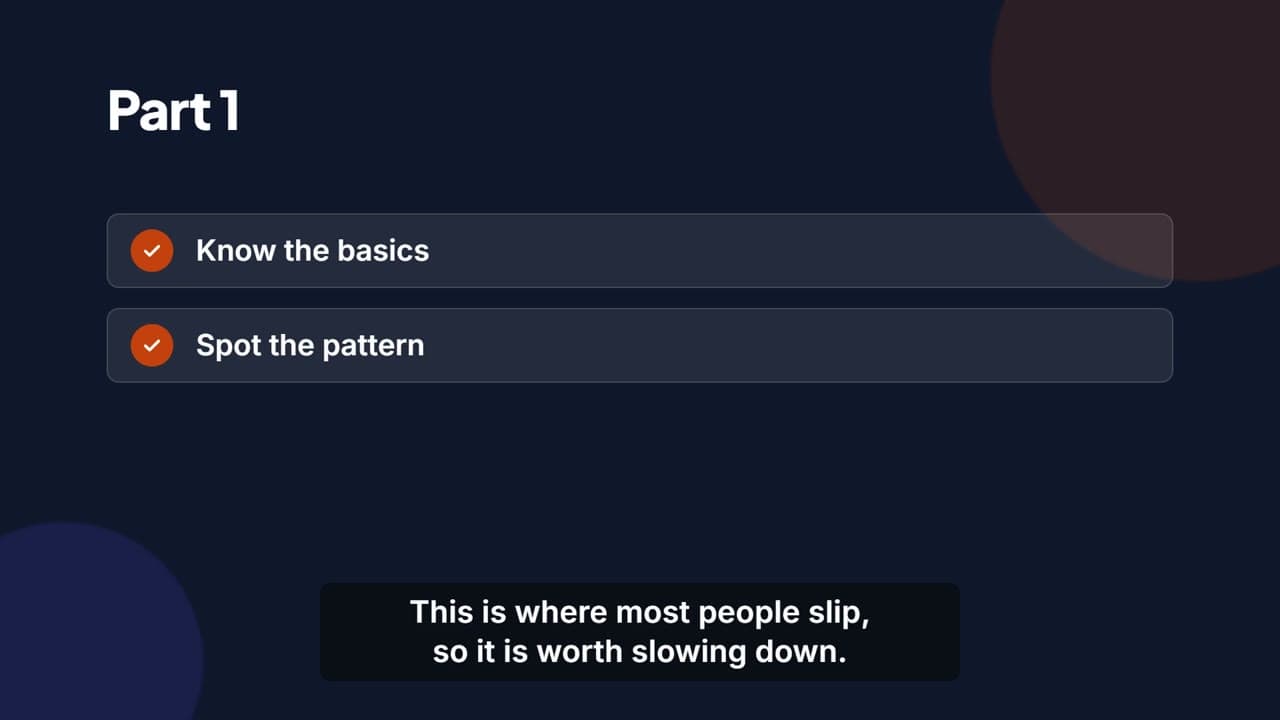 0:14
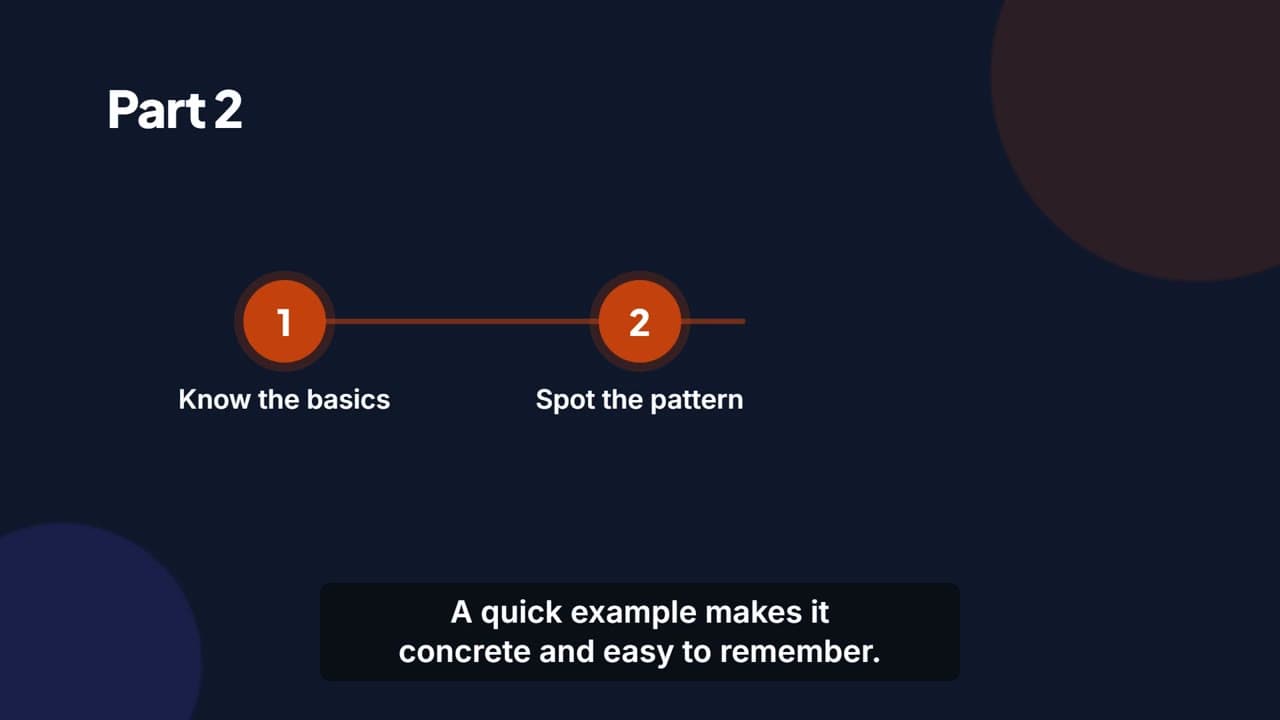 0:30
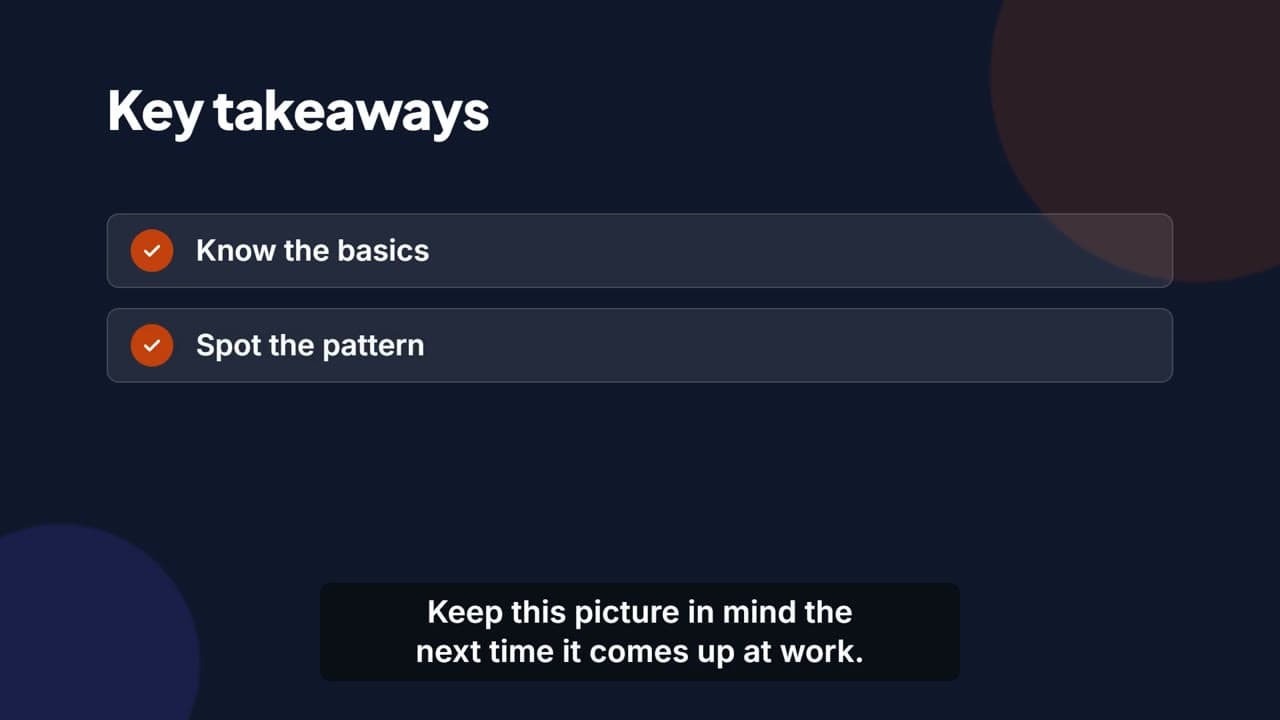 0:45
Walk-throughs recorded on the real website
Give it a web address and say what to show. The AI explores the site, writes a storyboard of steps, and records them in a real browser — with a visible cursor, highlights on what matters, and captions.
- While it explores, it never clicks anything that deletes, pays, sends or signs out
- Signs in off camera with details you provide — or shows the sign-in, if you ask
- Long page loads cut out, and optional title cards at the start and end
From a sentence to an MP4.
No timeline to edit, no voice to record, no screen recorder to set up. Watch each stage happen, or close the tab and come back when it is done.
- 1
Say what it should cover
A topic and who it is for, your documents, or a website and what to show. Pick a length and a tone; the look and the voice are chosen from what you write.
- 2
Check the script, if you want to
Have it stop at the script or storyboard so you can edit it before the voice is recorded — or let it make the whole video in one go.
- 3
It records, designs and renders
The voice is recorded, every scene is designed or recorded in the browser and rendered, and it all comes together in one MP4.
- 4
Download it or share it
Download the MP4 with its SRT and VTT captions, send a link, or list it publicly on Explore.
Change it by asking
“Make scene 3 shorter.” Ask in the chat, and only the scenes the change affects are made again — everything else stays exactly as it was.
A finished video, not a project file.
Nothing to export and no editor to learn. What comes out is ready for wherever your people watch.
MP4 in full HD
1920×1080 at 30 frames per second, arranged so it starts playing before it has finished loading.
Captions, twice over
Burnt into the picture if you want them there, and always as separate SRT and VTT files for players that show their own.
Chapters
One per scene or step, so a viewer can jump straight to the part they came for.
Four natural voices
Recorded with ElevenLabs. Two British, two American, and each one speaks English, German and many other languages.
Your brand
Your colours run through the whole video, and your logo opens and closes it — on the first and last scenes, or on a how-to’s title cards. Anything you leave out, the AI chooses.
Your length and tone
Short (about a minute), medium (two to three) or long (about five). Formal, casual, friendly, academic, motivational — or describe your own.
An MP4 goes everywhere.
There is no package to import and no player to install. A video file plays in any LMS, intranet or video platform that takes video, and the caption files come with it.
- Download the MP4, SRT and VTT and upload them wherever your people learn
- Publish a frozen copy and share it by link — viewers need no account
- Or list it publicly on Explore, for anyone to find
- Keep editing: what people watch only changes when you publish again
Need a SCORM course that records scores and completion instead? That is what our sister product, AI SCORM Studio, is for.
Explore shared videosEvery video
What you download and share
- File
- MP4 · 1920×1080 · 30 fps
- Captions
- Burnt in, plus SRT and VTT
- Chapters
- One per scene or step
- Voice
- One of four, by ElevenLabs
- Sharing
- Private, by link, or on Explore
Publishing freezes a copy. Changes you make afterwards stay private until you publish again.
For anyone who explains things for a living.
Learning and development
Turn the deck, policy or handbook that already exists into a short narrated video — without a studio, a voice artist or an editing suite.
Software and support teams
Show customers and new colleagues how a tool works with a walk-through recorded on the real site, and make it again when the screens change.
Compliance and HR
Short, captioned explainers for the things everyone has to know, in the languages your people speak.
What do I have to give it?
For an explainer: a topic and who it is for, in one box — or upload your material and say what the video should do with it. For a how-to: the website address and what the video should show. Everything else has a sensible default.
Does every video have captions?
Yes. They are timed from the recorded voice and come as separate SRT and VTT files with every video. You can also have them burnt into the picture, so they show wherever the MP4 is played.
What will the how-to recorder click — and what will it not?
While exploring, it only looks around: it follows links and menus, scrolls, and reads what is on each page. It never clicks anything that deletes, removes, pays, buys, sends, publishes or signs out, and it never leaves the site. In the recording it performs the storyboard’s steps — clicking, typing, choosing, pointing — and still will not delete, pay, send or sign out unless you explicitly ask it to show that.
Can I put a video in our LMS?
Yes. It is a standard MP4, so any LMS, intranet or video platform that accepts video files will play it — upload the SRT or VTT file alongside if it shows captions itself. On the University / Business plan you can also download it as a SCORM 1.2 package, which tells your LMS when a learner has watched it to the end and for how long — or paste its embed code into any page. For a full course with quizzes and scores, our sister product AI SCORM Studio makes those.
What should your people understand next?
Describe it in a sentence, or name the website. Watch the video get made. Download an MP4 that plays anywhere.
Make a video